
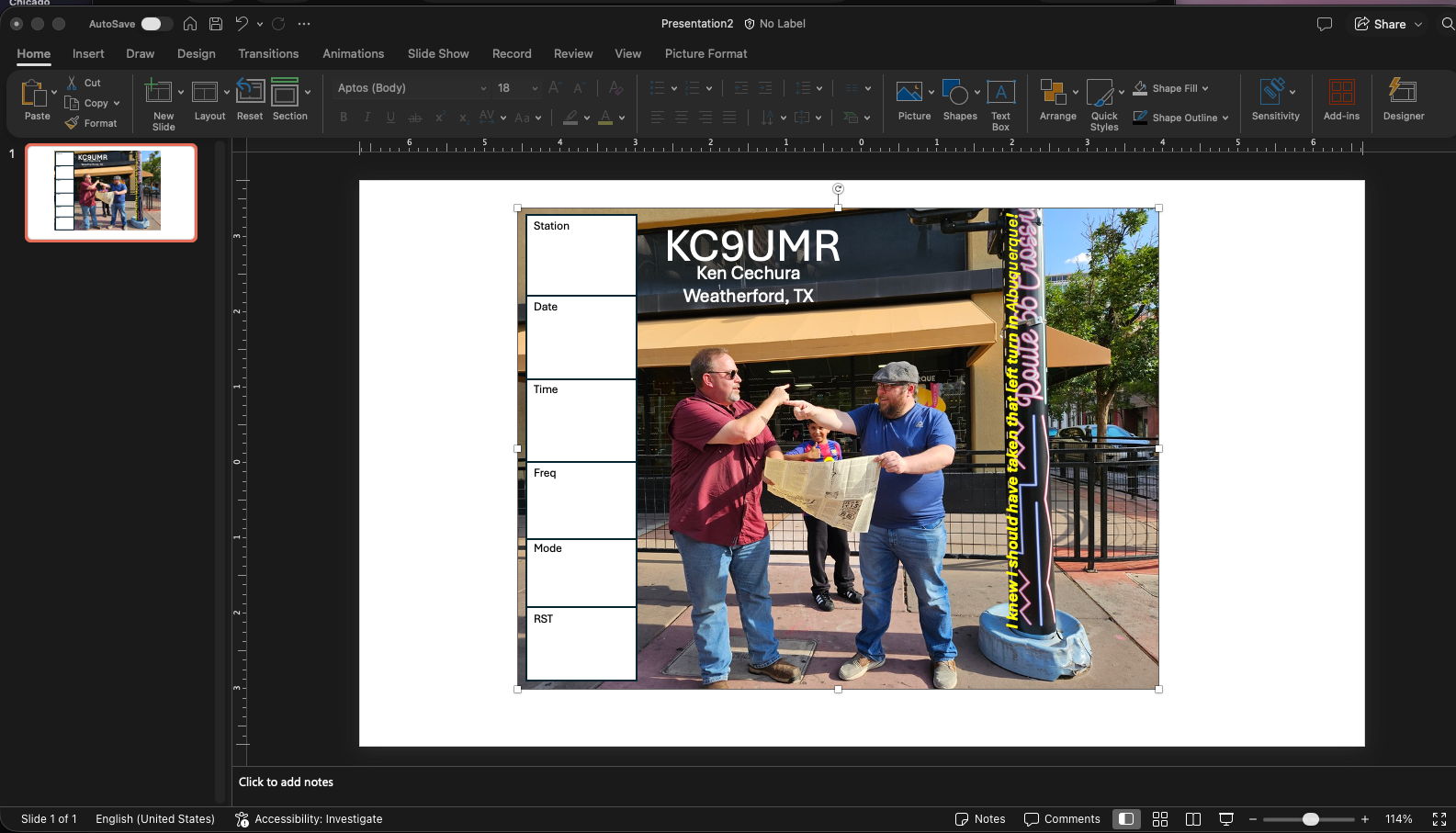
I’ll start by saying I hate powerpoint.
I’ve seen it used as an engineering design tool when visio isn’t available – and it makes my skin crawl.
That said… I’m stuck with it in the business world.
I needed some QSL cards for an event, and couldn’t find an easy to use paint type tool for my mac – paint on windows is good enough, though it looks a little juvenile from time to time.
The online QSL makers are what they are – but they’re limited to what the designer had in mind. I’m not installing a program for this application.
A thought had occurred to me – I could build the card design in powerpoint, add boxes, and test, and then do a snapshot to save my image. Then it was a matter of printing – which I’ve handled before. I’ve made cards before, and took an idea from someone online – send the image to Walgreens, WalMart, Costco, or CVS – whoever has the cheapest photo prints (matte preferred). At $0.10 per print (when the sales are on), it’s a lot cheaper than a dedicated print shop. Granted, it’s single sided, and you need a fine tip sharpie to hand-write your QSO info. That being said, if there’s no bulk discounts, one could print each card individually, if you had the time to generate unique images for each QSO.
The process is very straightforward.
Open Powerpoint, and start a blank presentation.
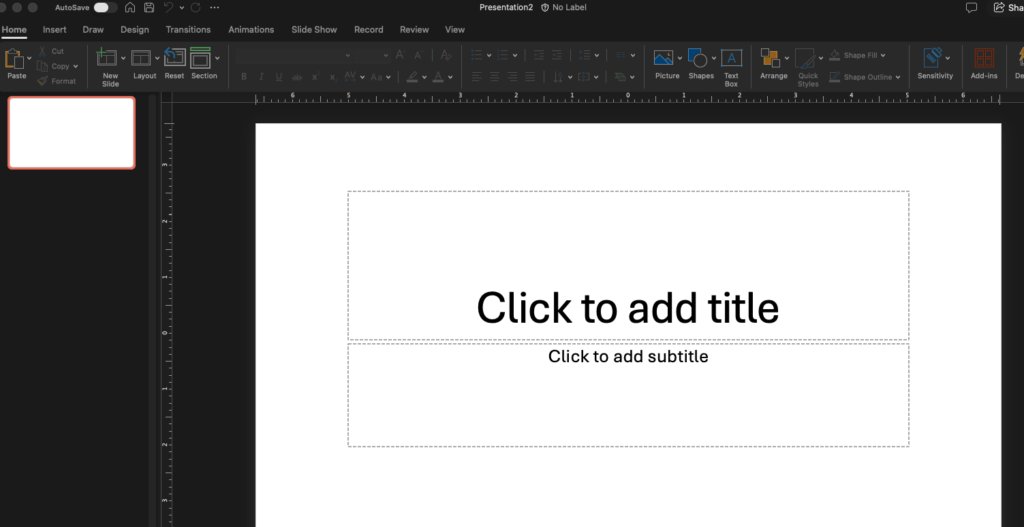
Delete any “default” text boxes.
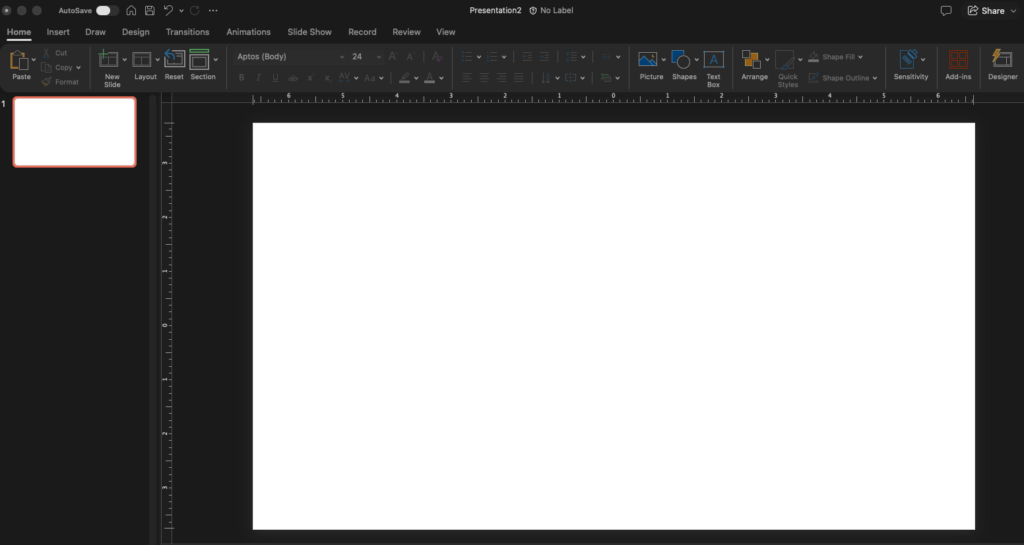
Import your background image (drag it in from outside, and drop it on the blank slide).
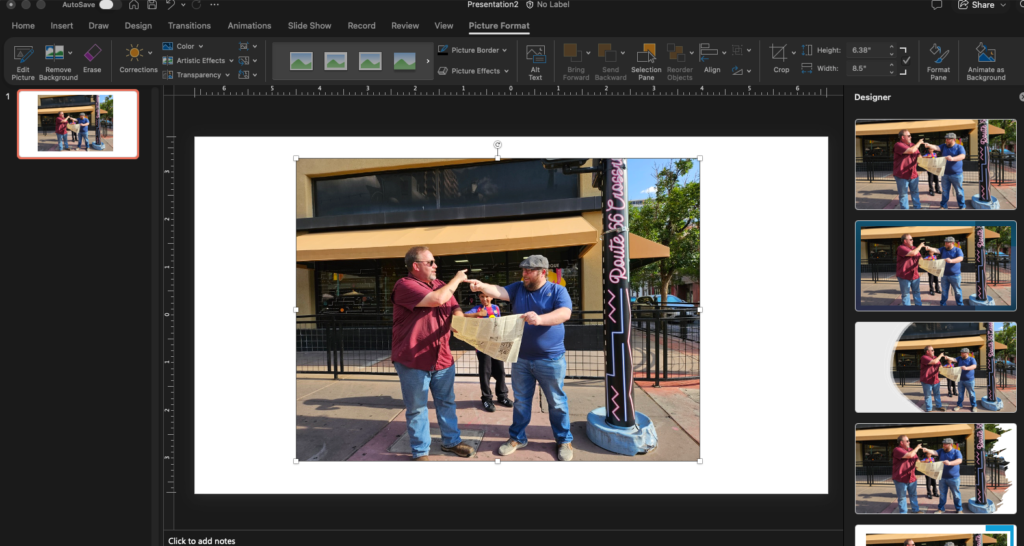
Using “Insert” -> “Text Box”, add your desired text… Callsign, information, etc.
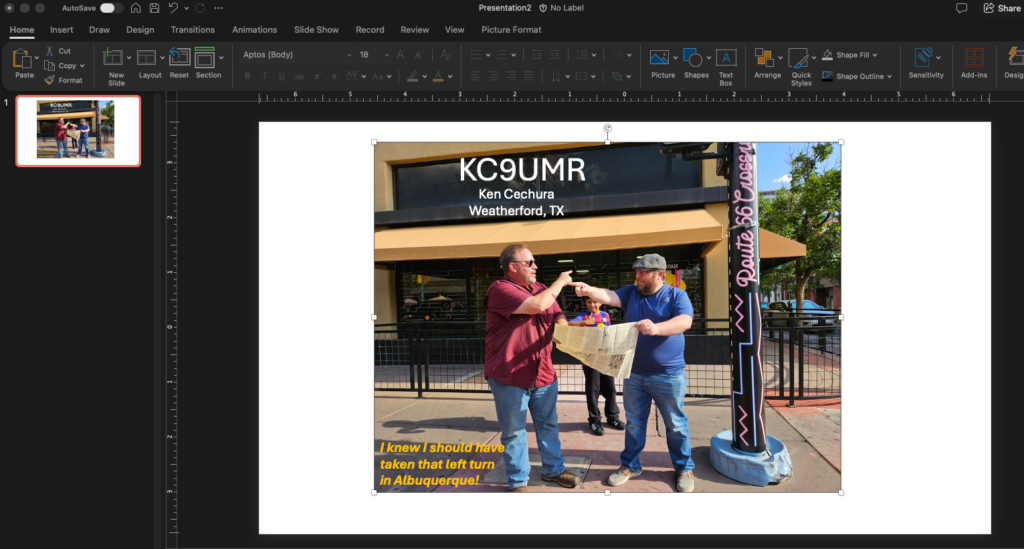
Add your QSO data block(s) – insert white rectangles. Add the box labels as you desire.
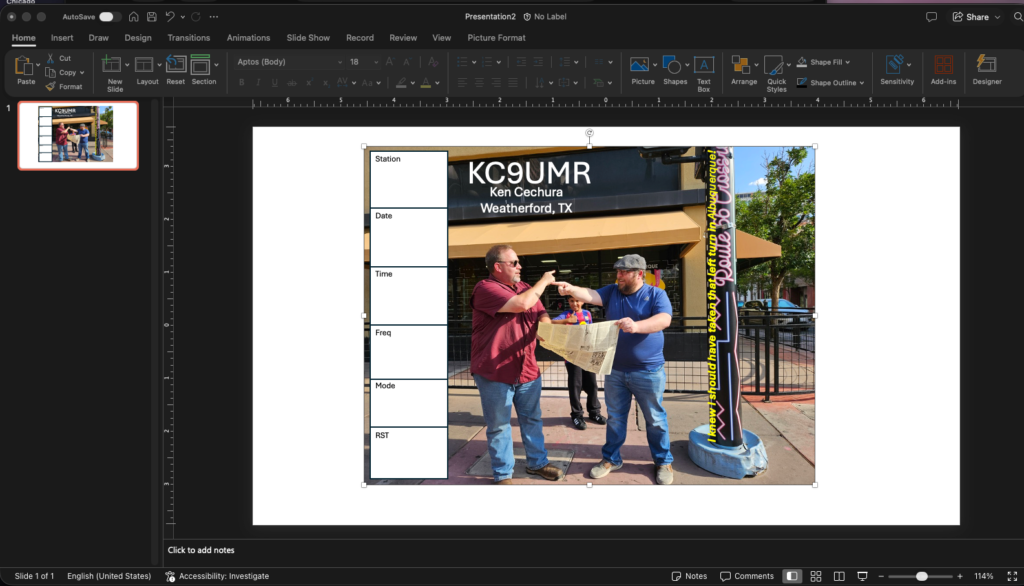
Once it’s to your liking, select all of the objects (including the background image), right click and select “group”.
Right click on that group, and select “save as picture”, and save the image to a new file (png is the default).
Send that image off to the photo print website.
Done!